

osu!




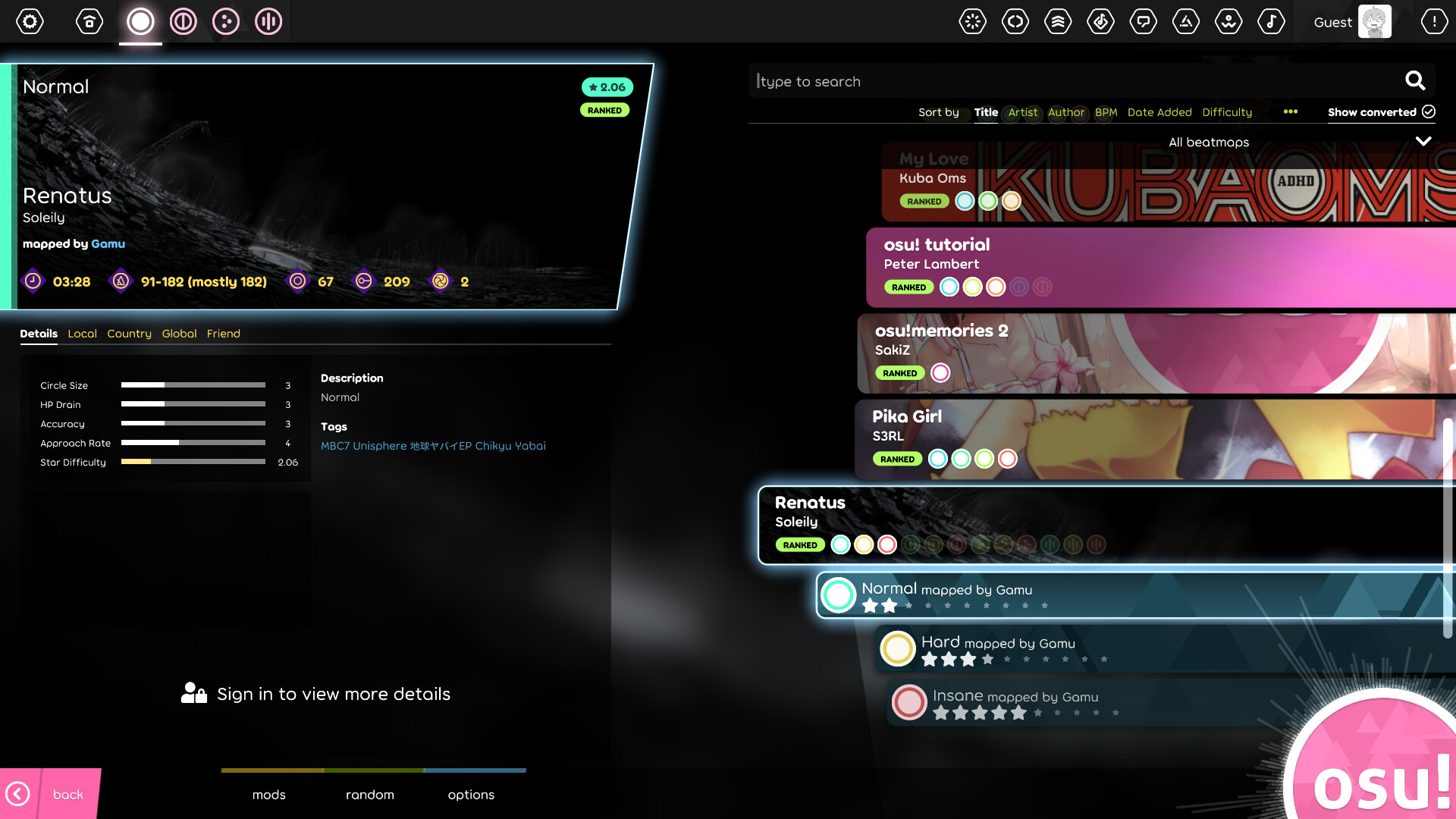
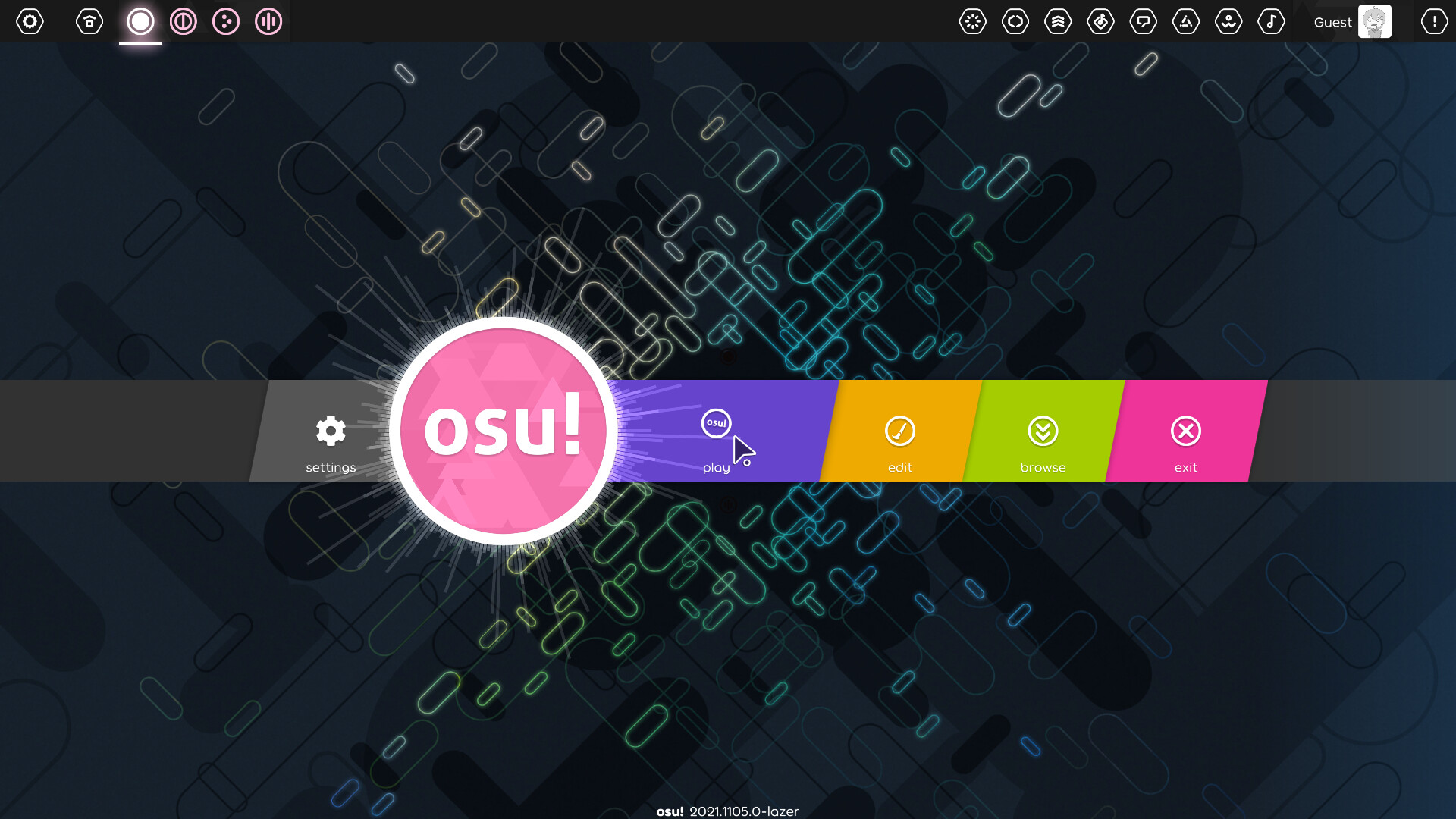
Discover osu!, the ultimate open-source rhythm game for Linux. Read our full review of this highly customizable community-driven music game sensation.
The Ultimate Community-Driven Music Game Experience
Unlike traditional rhythm titles bound by rigid playlists, the osu! rhythm game stands out due to its boundless, community-driven ecosystem. Developed by ppy Pty Ltd, this open-source phenomenon turns music interaction into a high-speed sport of precision and timing. Built on C# and heavily inspired by classic Japanese rhythm titles, it challenges players to tap, slide, and spin to the beat of user-created music maps.
While many rhythm games restrict you to built-in soundtracks, this platform thrives on endless customization. The Linux version brings this incredibly responsive experience to open-source systems, ensuring that penguin-powered setups get the same pixel-perfect input registration as any other gaming rig.
Key Features of the osu! Rhythm Game on Linux
- Community-Created Beatmaps: Access millions of custom-made levels spanning virtually every musical genre imaginable.
- Robust Open-Source Engine: Written in C#, the modern client offers exceptional performance, minimizing input latency for high-level play.
- Multiple Game Modes: Beyond the classic circle-clicking, explore diverse playstyles that challenge different aspects of your hand-eye coordination.
- Global Leaderboards: Test your skills against players worldwide and climb the rankings on individual beatmaps.
Who is This Rhythm Title For?
The osu! rhythm game is a perfect match for competitive gamers looking to refine their mouse accuracy, speed, and reflexes. It is highly favored by esports athletes as a warm-up tool. At the same time, casual music lovers will find endless enjoyment in exploring the massive catalog of community-generated tracks.
Important Installation Notes
Please note that the Linux Flatpak release is an unofficial package maintained by community contributors. For official releases, support, and to manage your global account, we highly recommend visiting the official osu! website. To explore the package details or get started on your Linux machine, you can check out its listing on the Flathub store page.