

Luminar Neo - AI Photo Editor
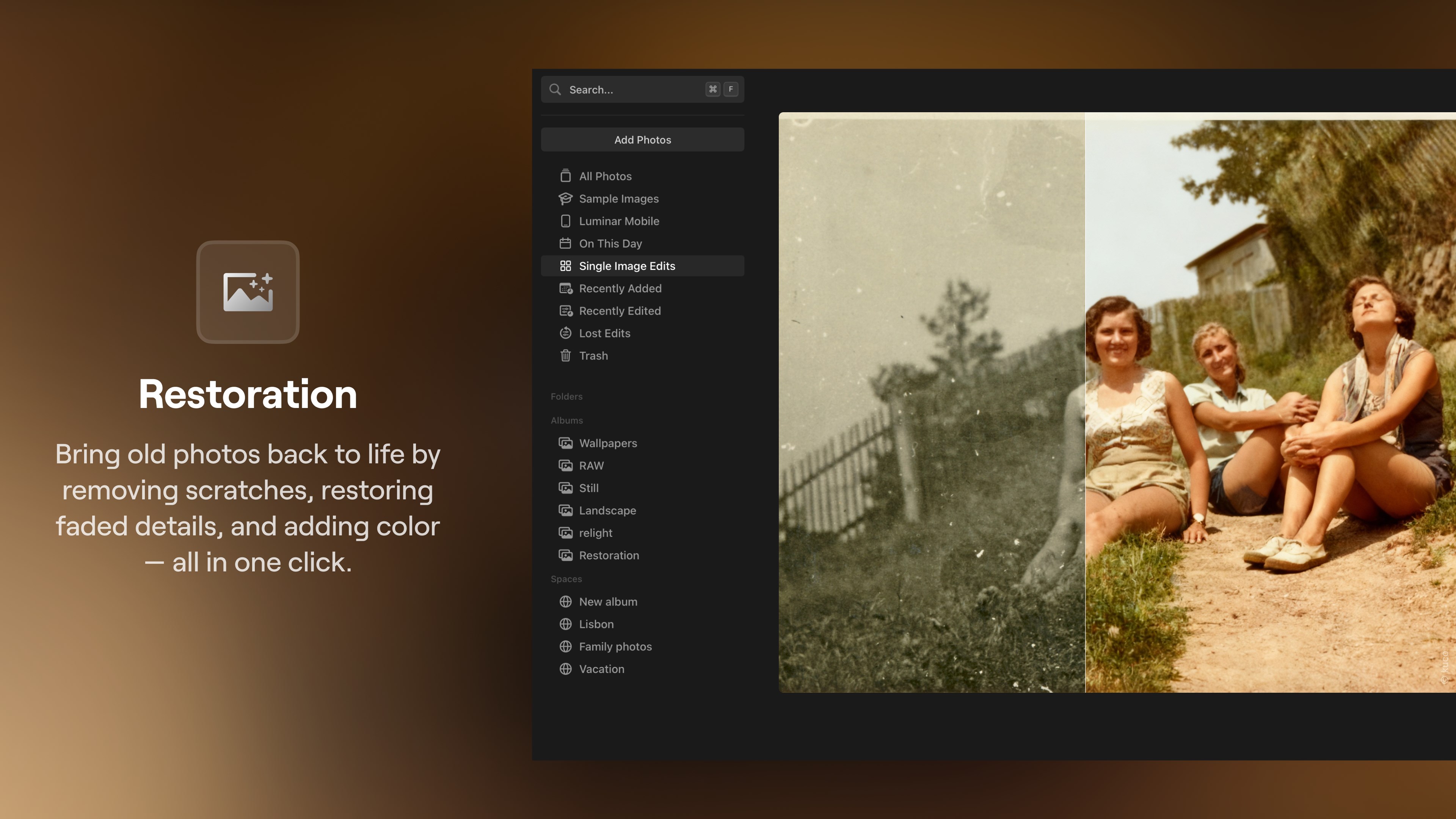
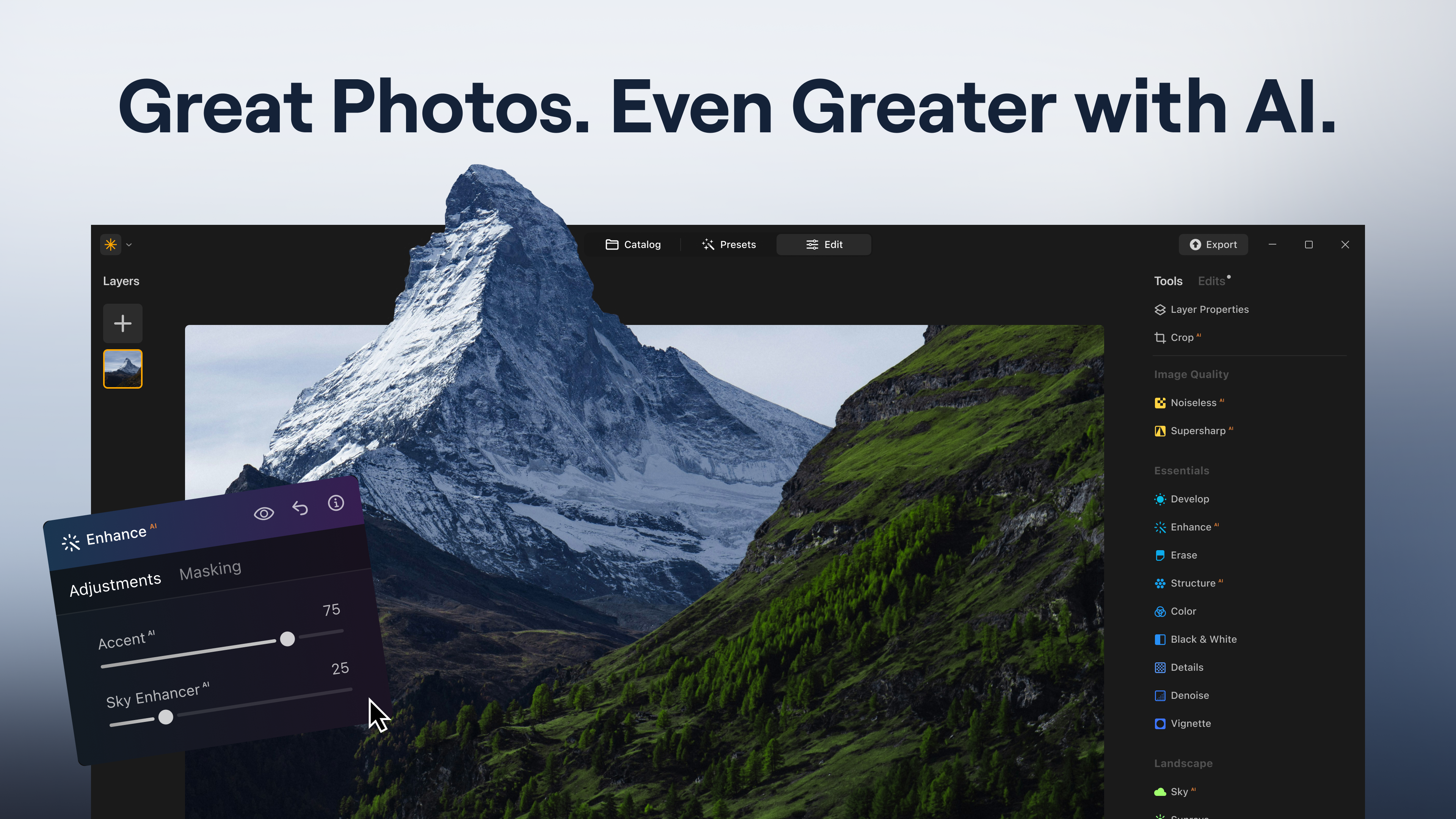
Discover how Luminar Neo - AI Photo Editor transforms raw images with generative AI. Read our comprehensive review of its features and capabilities.
A Next-Generation Approach to RAW Image Editing
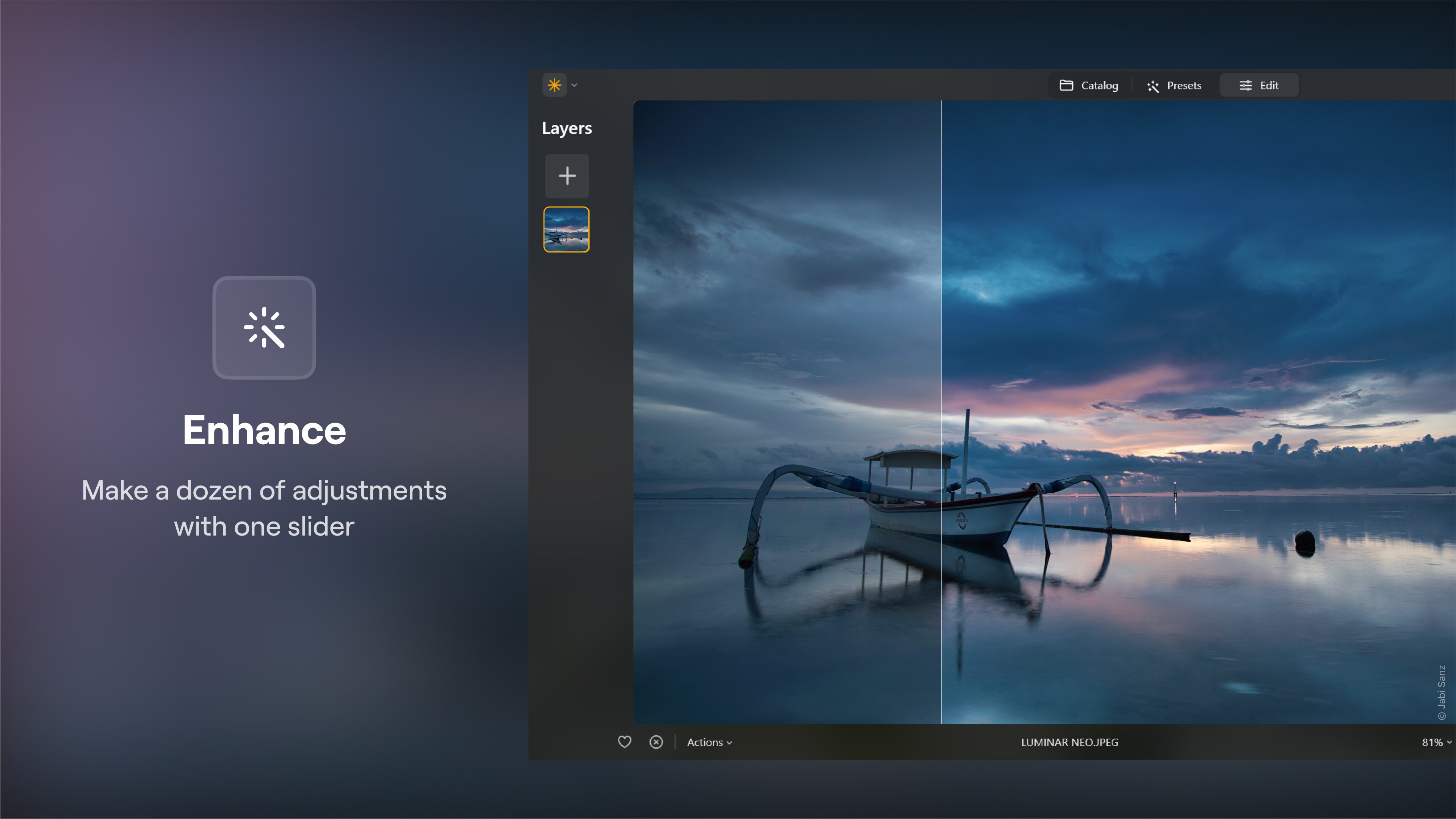
For photographers seeking to elevate their digital darkroom workflow, Luminar Neo - AI Photo Editor offers a compelling suite of intelligent tools designed to simplify complex editing tasks. Developed by Skylum Software USA, Inc. for the Windows platform, this application shifts the focus from tedious manual masking to intuitive, AI-driven adjustments. Whether you are correcting exposure on a RAW file or completely reimagining a landscape, this platform serves as a highly capable creative partner.
What You Can Achieve with Generative AI
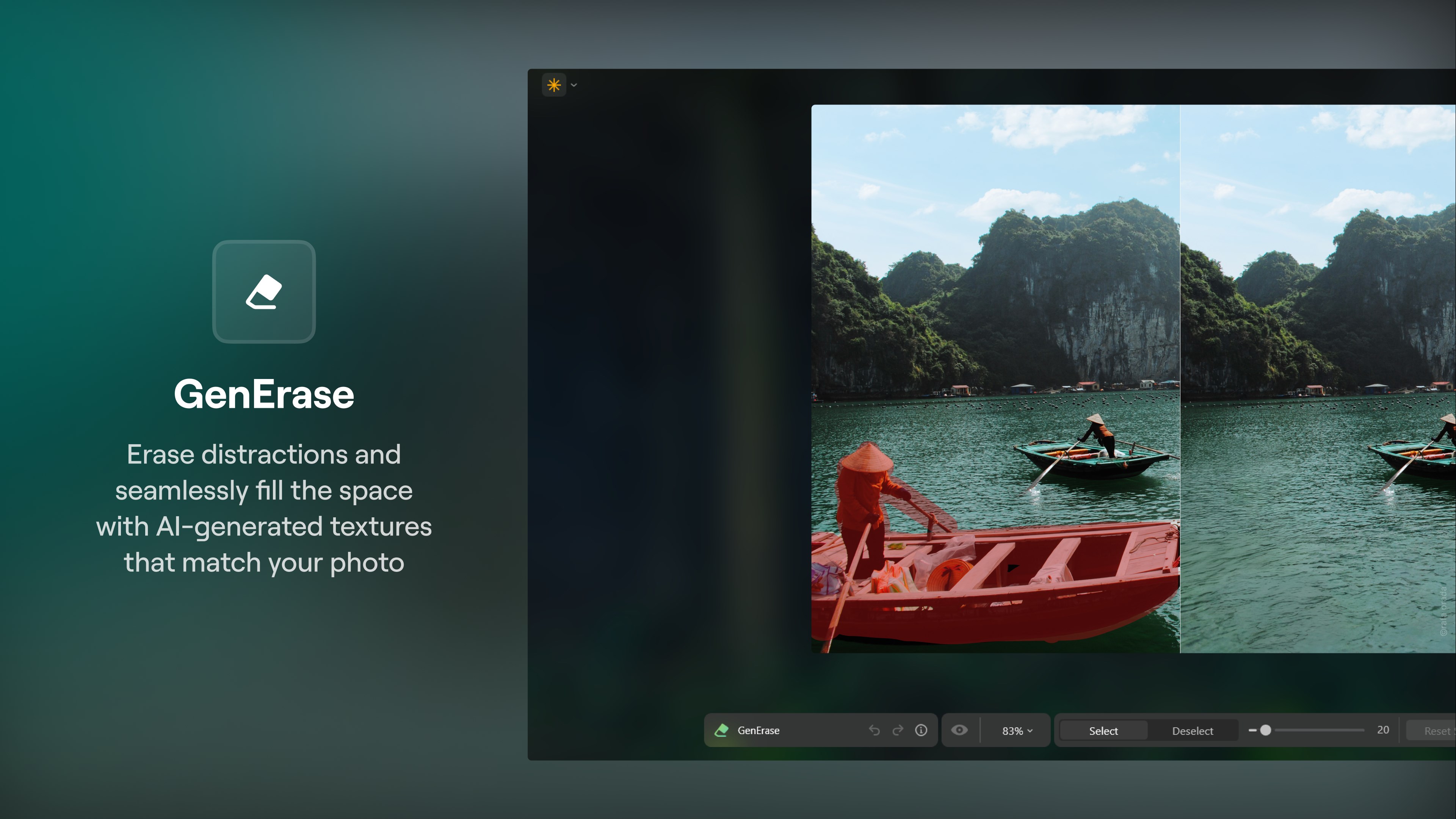
The standout capability of Luminar Neo - AI Photo Editor lies in its generative technologies, which allow users to manipulate image content with photorealistic results:
- GenErase: Seamlessly remove distracting elements, power lines, or unexpected photobombers while the AI intelligently fills the background texture.
- GenExpand: Extend the canvas of your photograph in any direction, generating realistic details that match the original composition.
- GenSwap: Replace specific objects or elements within your frame by describing what you want to see integrated into the image.
Advanced Landscape and Portrait Enhancement
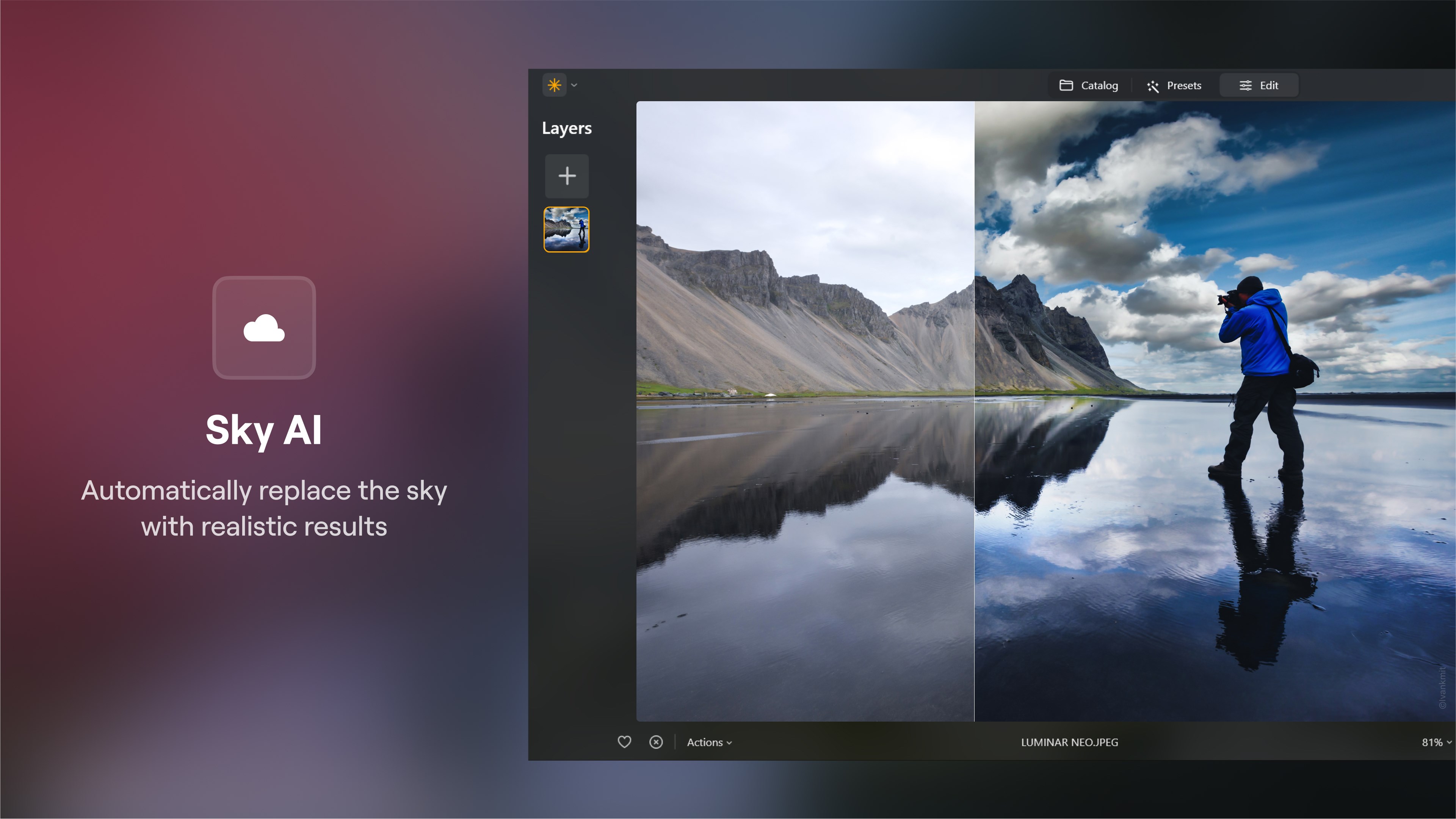
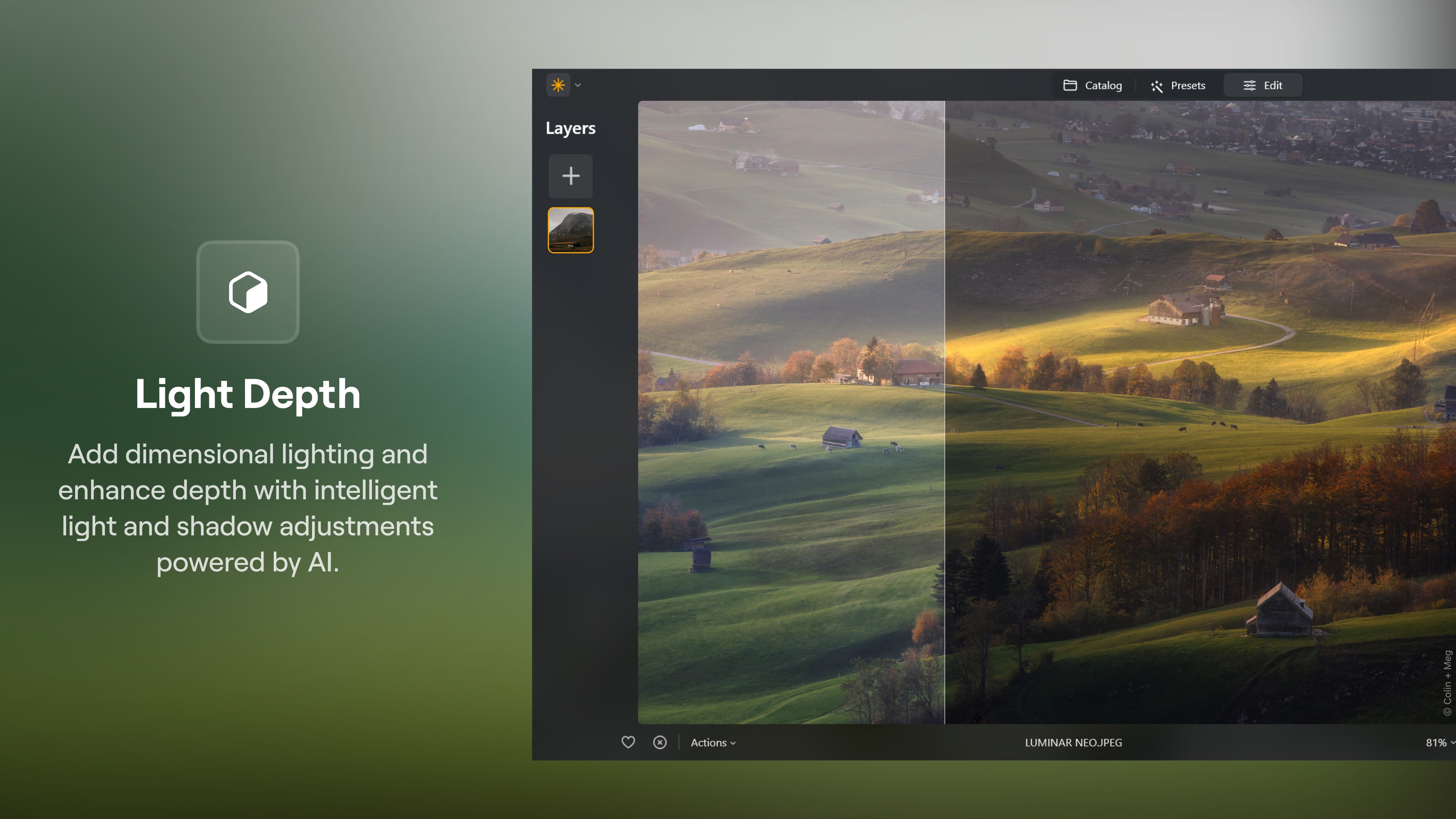
Beyond generative manipulation, the software excels at environmental and human subject enhancement. Landscape photographers can utilize Sky AI to replace dull backgrounds instantly, while Atmosphere AI reconstructs 3D depth to simulate realistic fog, mist, or haze. For portraiture, dedicated tools like Skin AI and Face AI provide precise retouching without sacrificing natural skin textures, and Studio Light replicates professional, multi-point lighting setups digitally.
Flexible Workflows for Professionals and Enthusiasts
The application integrates smoothly into existing ecosystems, operating both as a standalone editor and as a plugin for industry-standard software like Photoshop and Lightroom. Supporting RAW formats from over 1,000 camera models, it preserves original image data through non-destructive editing layers and reusable custom presets.
Discover More
If you are ready to streamline your post-processing workflow and explore the limits of generative art, you can find more details and acquire the application directly from the official Microsoft Store page.