Paint S
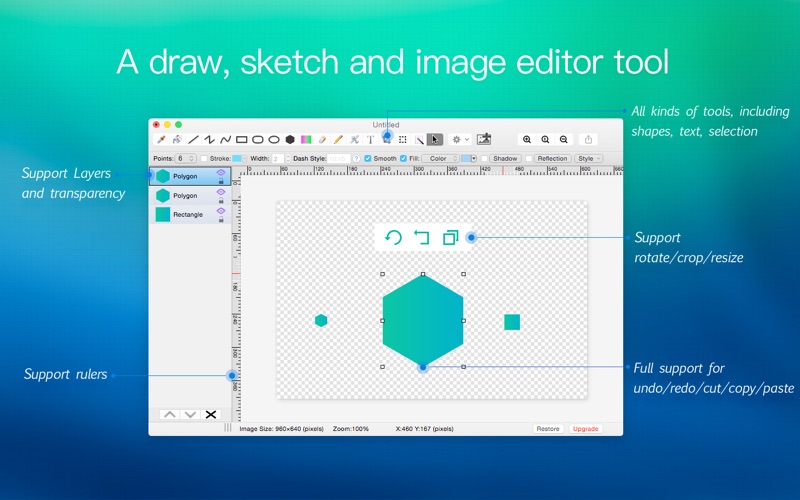
An in-depth review of Paint S, the intuitive layer-based digital sketchpad and image editor designed specifically for efficient, creative workflows on Mac.
A Streamlined Alternative for Mac Digital Creators
Unlike heavy, subscription-based creative suites that overwhelm users with complex interfaces, Paint S Mac image editor focuses on immediate usability and speed. Designed natively for macOS, this lightweight digital sketchpad bridges the gap between basic paint utilities and high-end graphic design programs. It offers an approachable canvas for both quick image touch-ups and detailed digital illustrations without a steep learning curve.
Organized Workflows with Layer-Based Editing
The standout feature of the Paint S Mac image editor is its flexible, layer-based editing system. This architecture allows you to isolate different elements of your design, ensuring your creative work remains organized and non-destructive. You can easily adjust, reorder, or edit individual layers, and save your progress to return to your project at any time.
Key Features and Creative Capabilities
- Broad Format Compatibility: Seamlessly open, edit, and export your projects in popular formats including TIFF, JPEG, PNG, HEIC, BMP, WebP, PDF, and SVG.
- Robust Illustration Toolset: Access essential drawing tools such as Fill, Eyedropper, Line, Curve, Rectangle, Ellipse, Pen, and Eraser to bring your sketches to life.
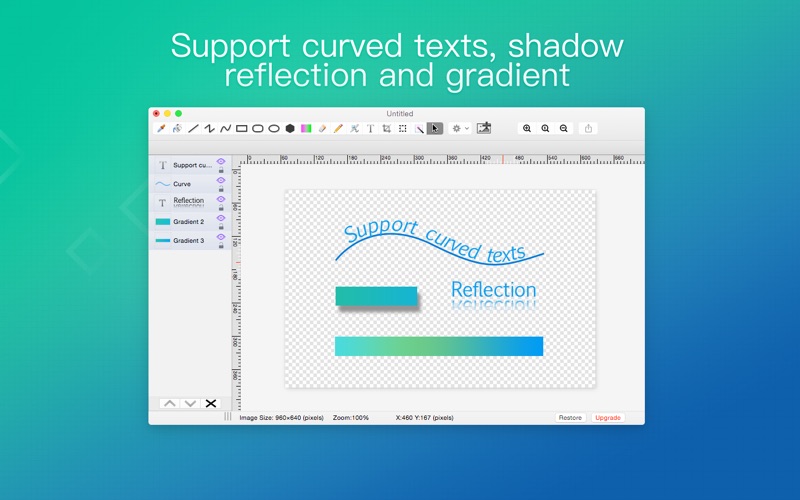
- Advanced Text & Typography: Add customizable text to your canvas, including stylized curved text effects for logos and posters.
- Polished Graphic Effects: Enhance your designs with adjustable shadows, gradients, reflections, and transparency controls.
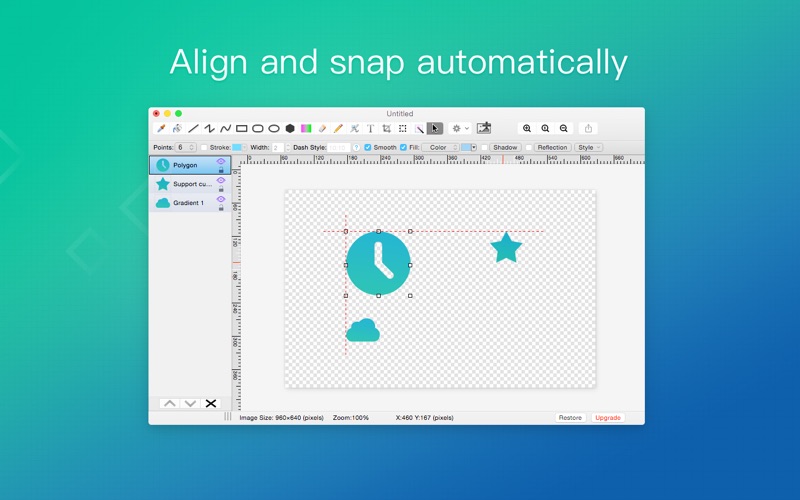
- Precision Layouts: Align your design elements perfectly using built-in rulers, grids, and alignment guides.
- Mac Ecosystem Integration: Effortlessly copy and paste visual assets between this application and native Mac productivity tools like Pages, Keynote, and Safari.
Who is This Mac Image Editor For?
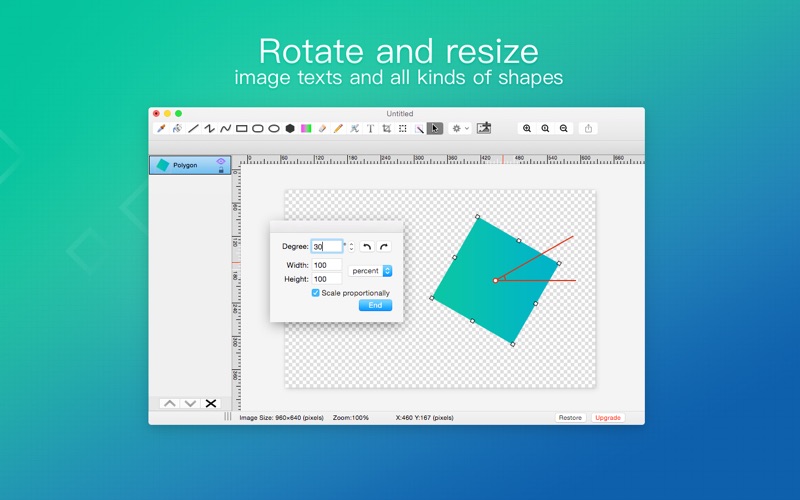
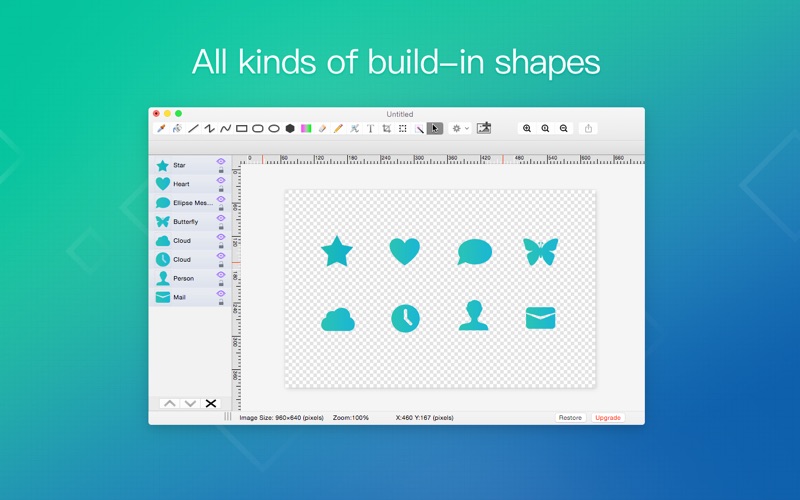
This software is tailored for macOS users who need a dependable, everyday tool for quick edits, cropping, background removal, and vector-style shape additions. It is highly suited for educators, content creators, and office professionals who require precise control over their visual assets without wanting to navigate bloated professional software suites. With support for standard commands like Undo/Redo and direct printing, it integrates smoothly into any desktop environment.
Discover More on the App Store
If you are looking for an intuitive, layer-supported canvas to elevate your design workflow on macOS, this tool offers an excellent balance of simplicity and power. To explore its features, read user feedback, or upgrade to the full-featured version, head over to the official Mac App Store to see how it fits into your creative routine.