
Speed Test for Windows
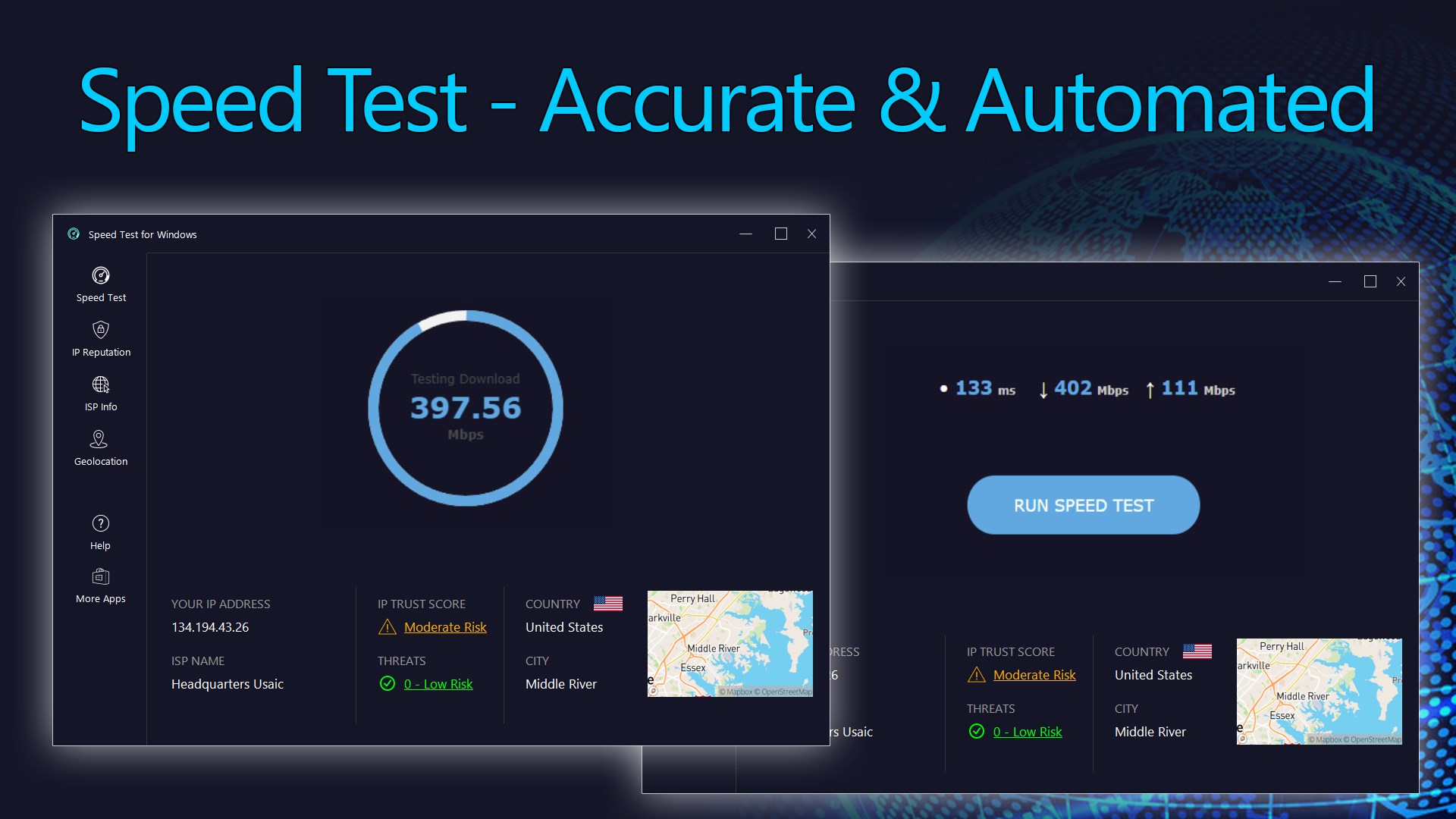
Read our comprehensive review of Speed Test for Windows. Learn how this powerful utility measures your download speeds, network ping, and IP security.
A Deep Dive into Speed Test for Windows
Finding a reliable utility to measure your internet connection's performance can be challenging. The Speed Test for Windows app by LISAppStudio.com offers a robust desktop solution that goes far beyond simple bandwidth measurements. Designed specifically for the Windows platform, this tool provides a highly detailed diagnostic overview of your network's health and security posture right from your desktop.
Unlike basic web-based tools, this application integrates seamlessly into your desktop environment, allowing you to run comprehensive diagnostics on your inbound and outbound traffic with minimal setup. Whether you are troubleshooting remote work lag or optimizing your gaming setup, it delivers clear, actionable network metrics.
Key Diagnostic Metrics and Features
- Comprehensive Bandwidth Testing: Accurately measures your download speed (inbound bandwidth) and upload speed (outbound bandwidth) to verify if you are getting the performance promised by your ISP.
- Latency and Stability Analysis: Tracks both ping (response time) and jitter (consistency of response times) to help you evaluate the stability of your network for real-time applications like video conferencing.
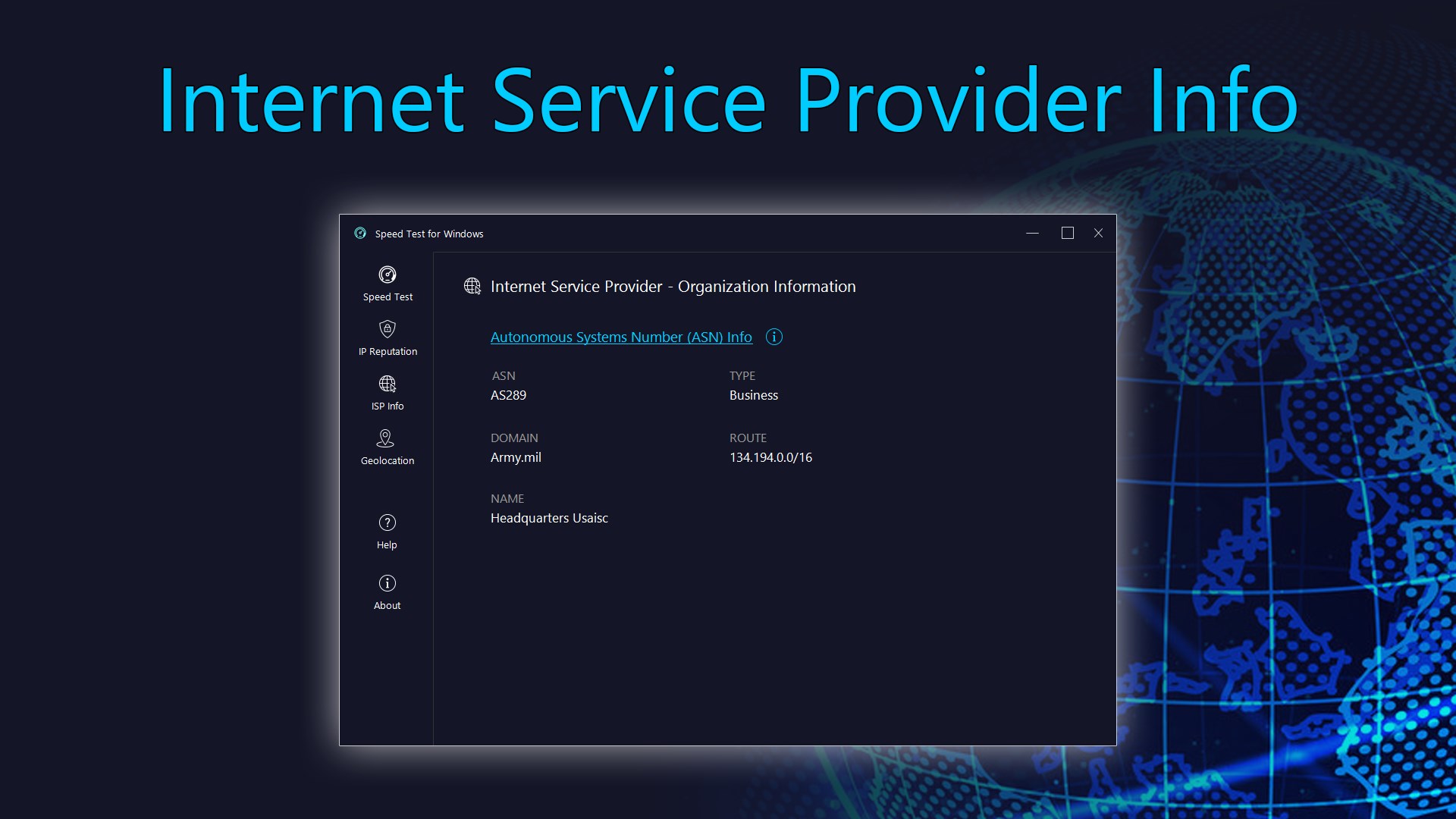
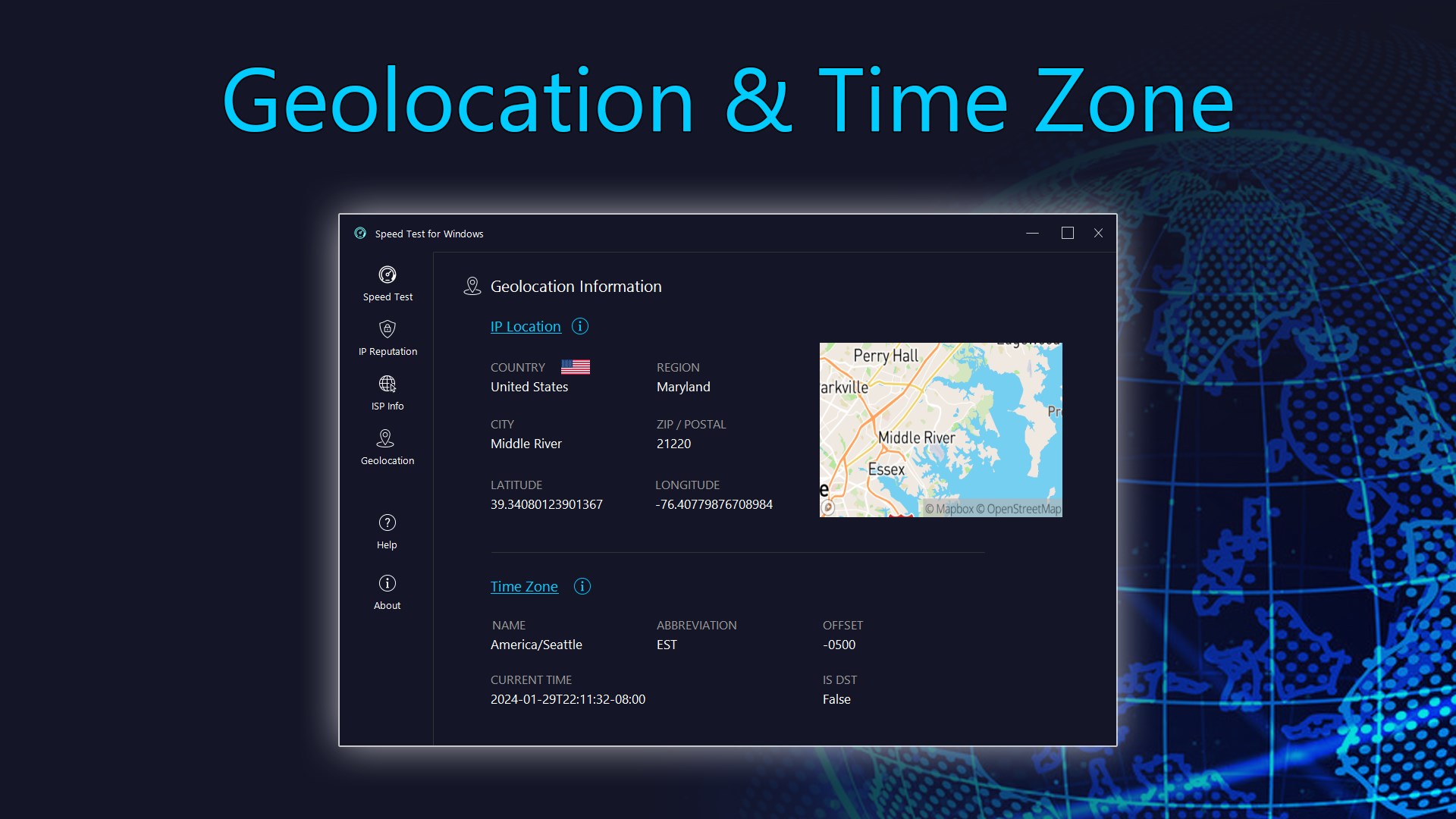
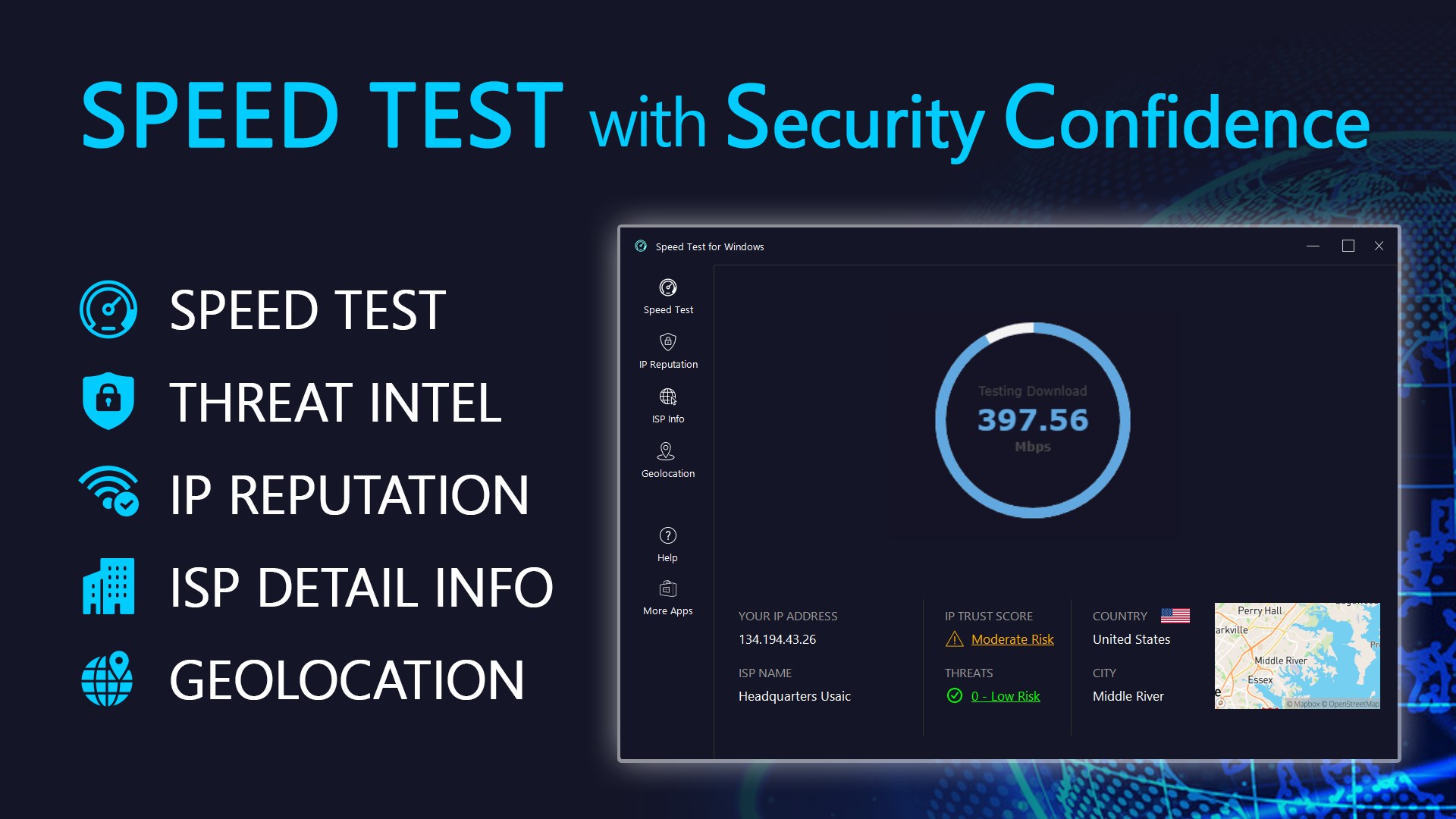
- Advanced IP Intelligence: Instantly identifies your external IP address, geolocation details, and Autonomous System Number (ASN) with network range data.
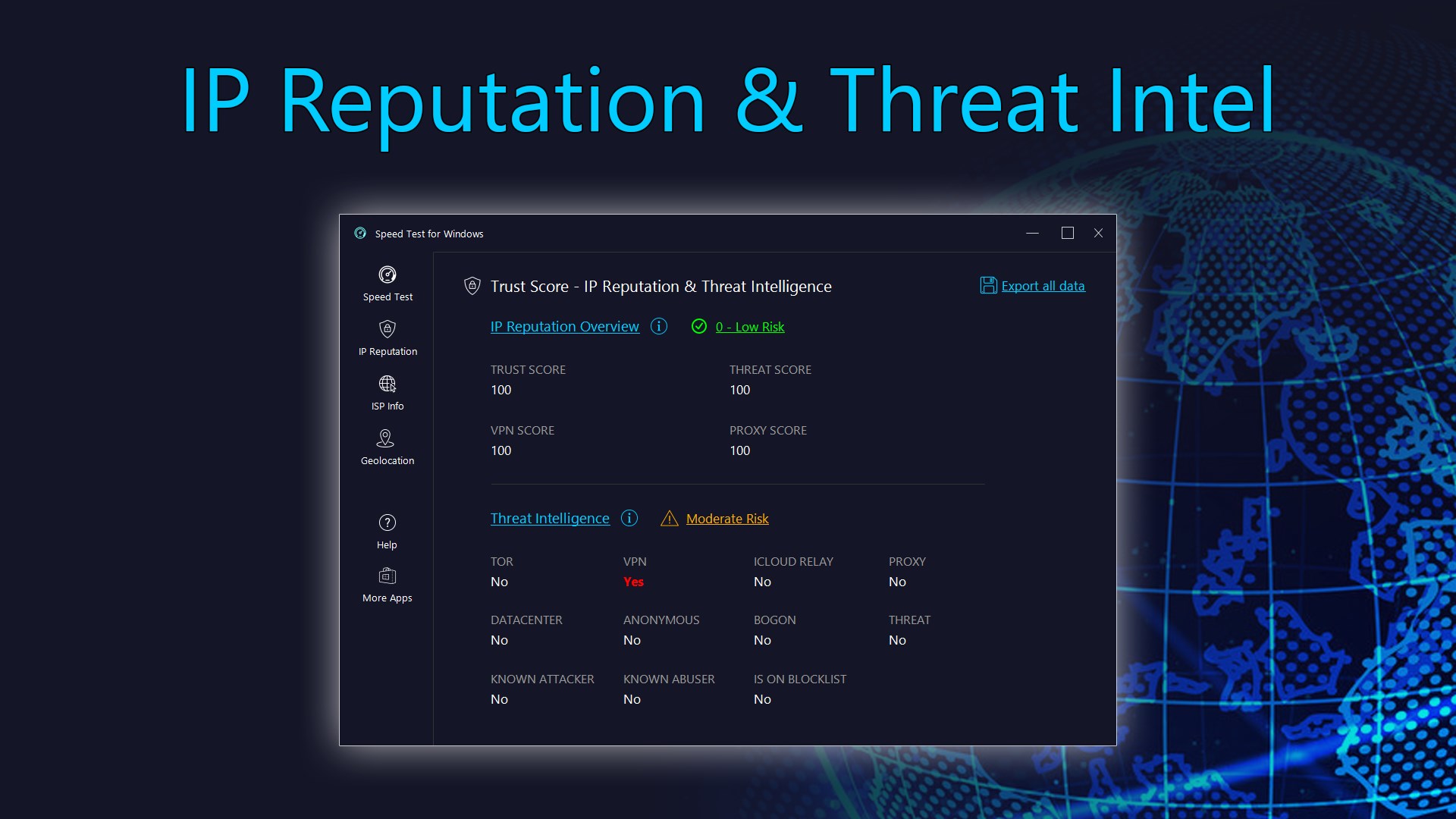
- Threat and Reputation Scanning: Features built-in threat intelligence to analyze potential cybersecurity risks associated with your connection. Advanced licenses unlock deeper IP reputation insights, including Trust, Threat, VPN, and Proxy scores, alongside CSV data exporting.
Optimizing Your Connection Analysis
To ensure you obtain the most accurate diagnostic readings when using the Speed Test for Windows tool, it is highly recommended to connect your computer directly to your modem using an Ethernet cable rather than relying on Wi-Fi. Additionally, pause any active downloads, close background streaming apps, and temporarily disconnect from any Virtual Private Network (VPN) services before starting your analysis.
Our Editorial Verdict
This software stands out as a highly professional diagnostic toolkit for network administrators and everyday users alike. By combining raw performance testing with deep IP reputation and threat intelligence, it provides an exceptional level of transparency regarding your online footprint. To try out these diagnostic features for yourself, head over to the official Microsoft Store to download the application.