
WiFi Analyzer
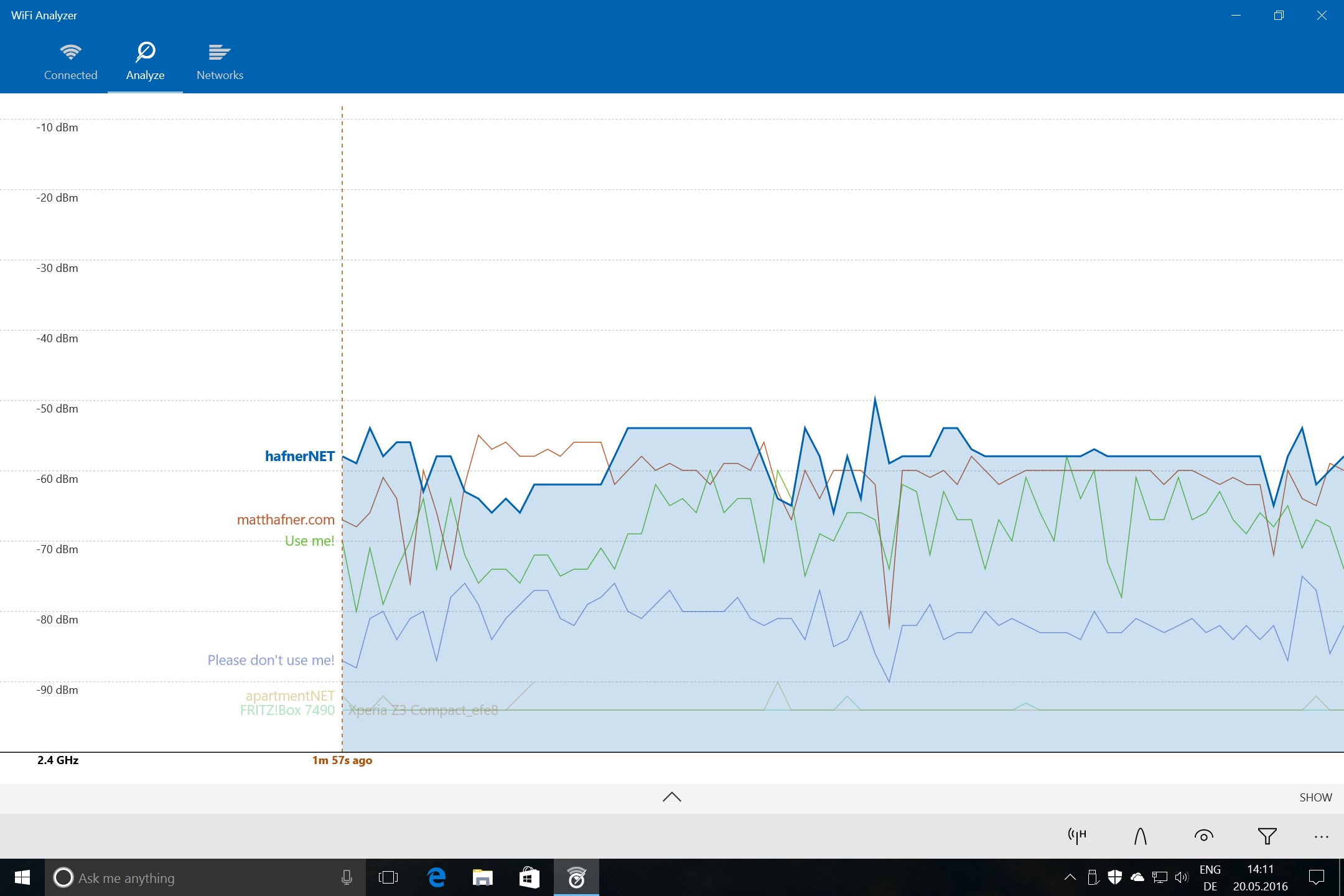
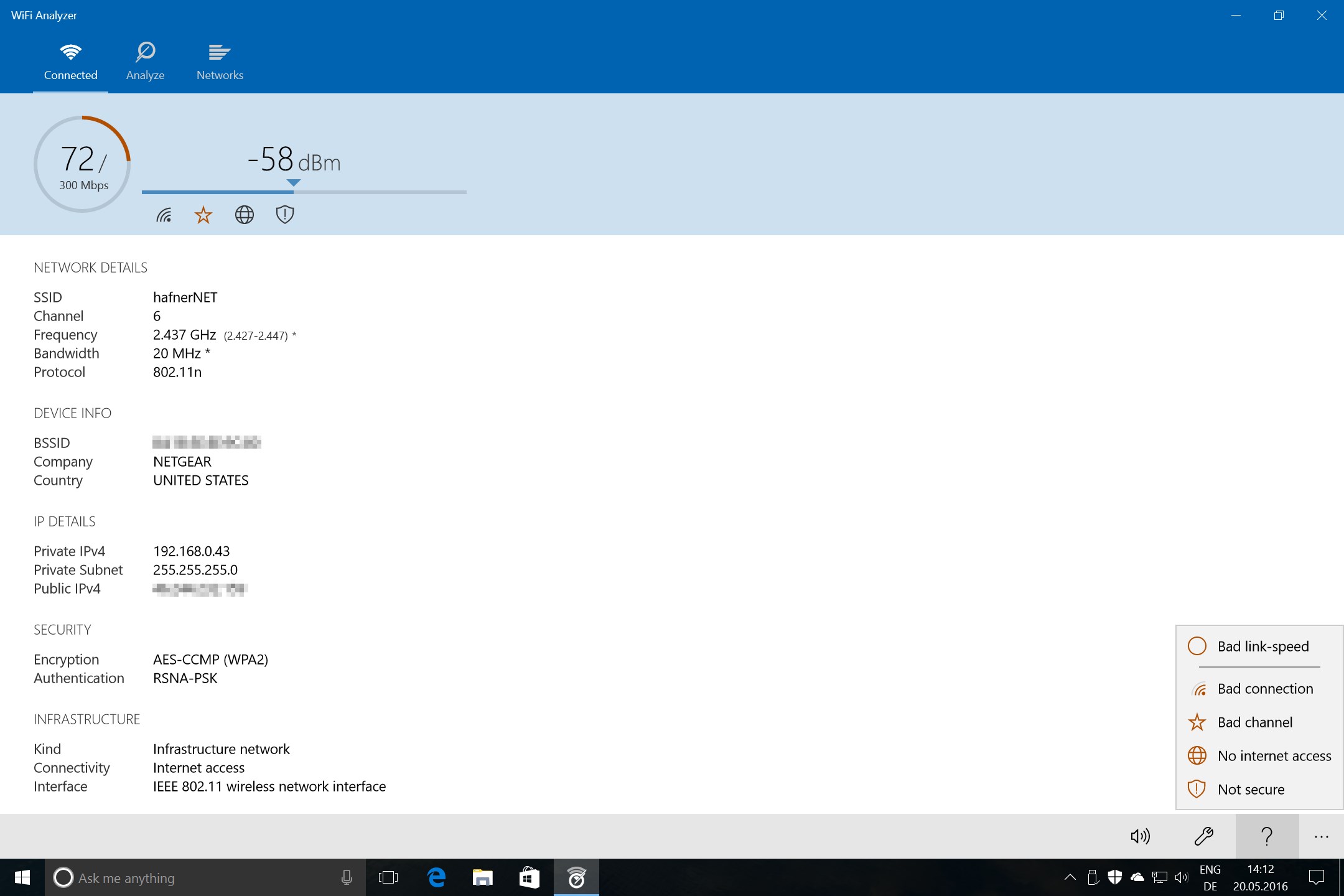
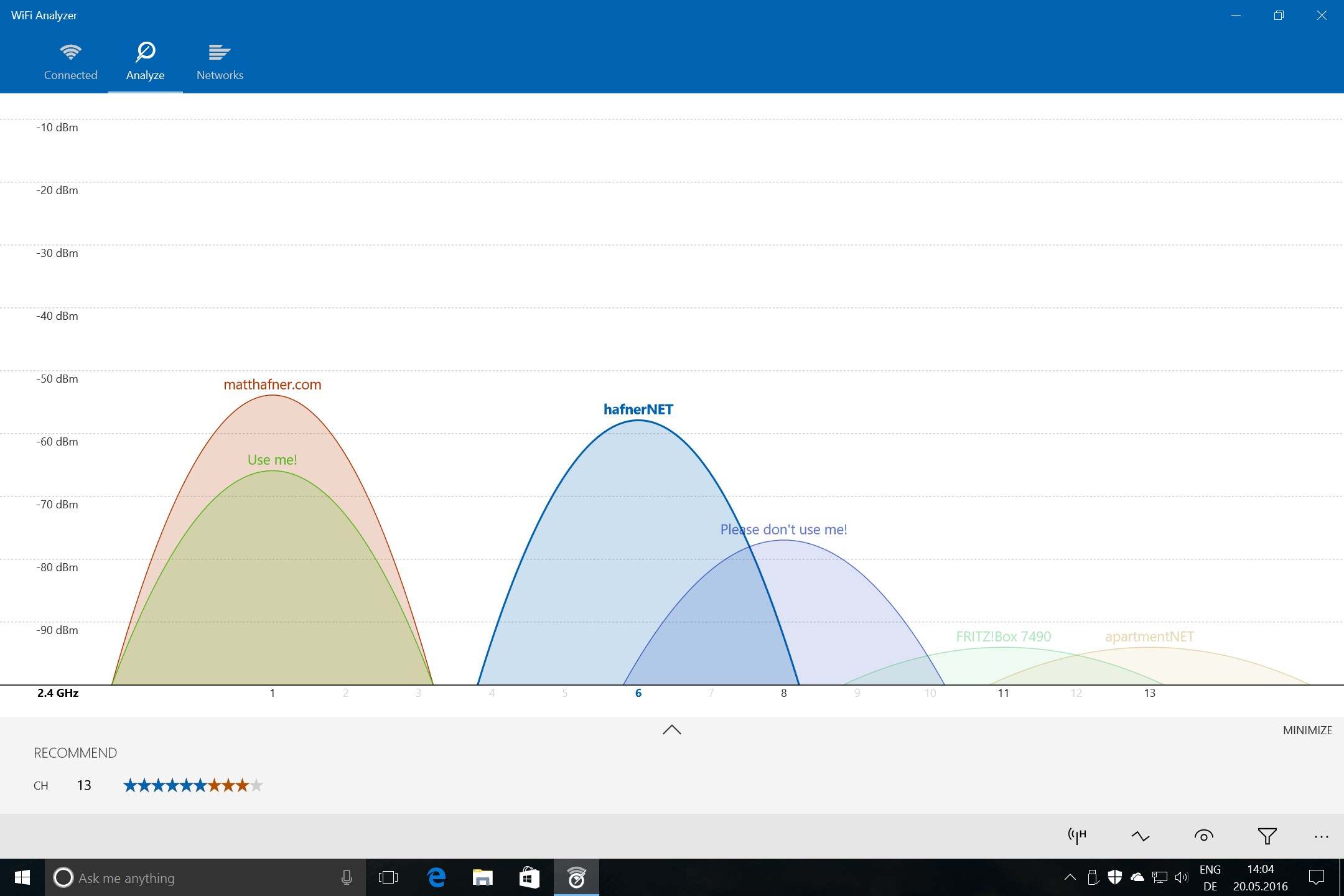
Discover how the WiFi Analyzer network diagnostics tool optimizes your home or office wireless connection with real-time channel tracking and signal metrics.
A Smarter Way to Optimize Your Wireless Connection
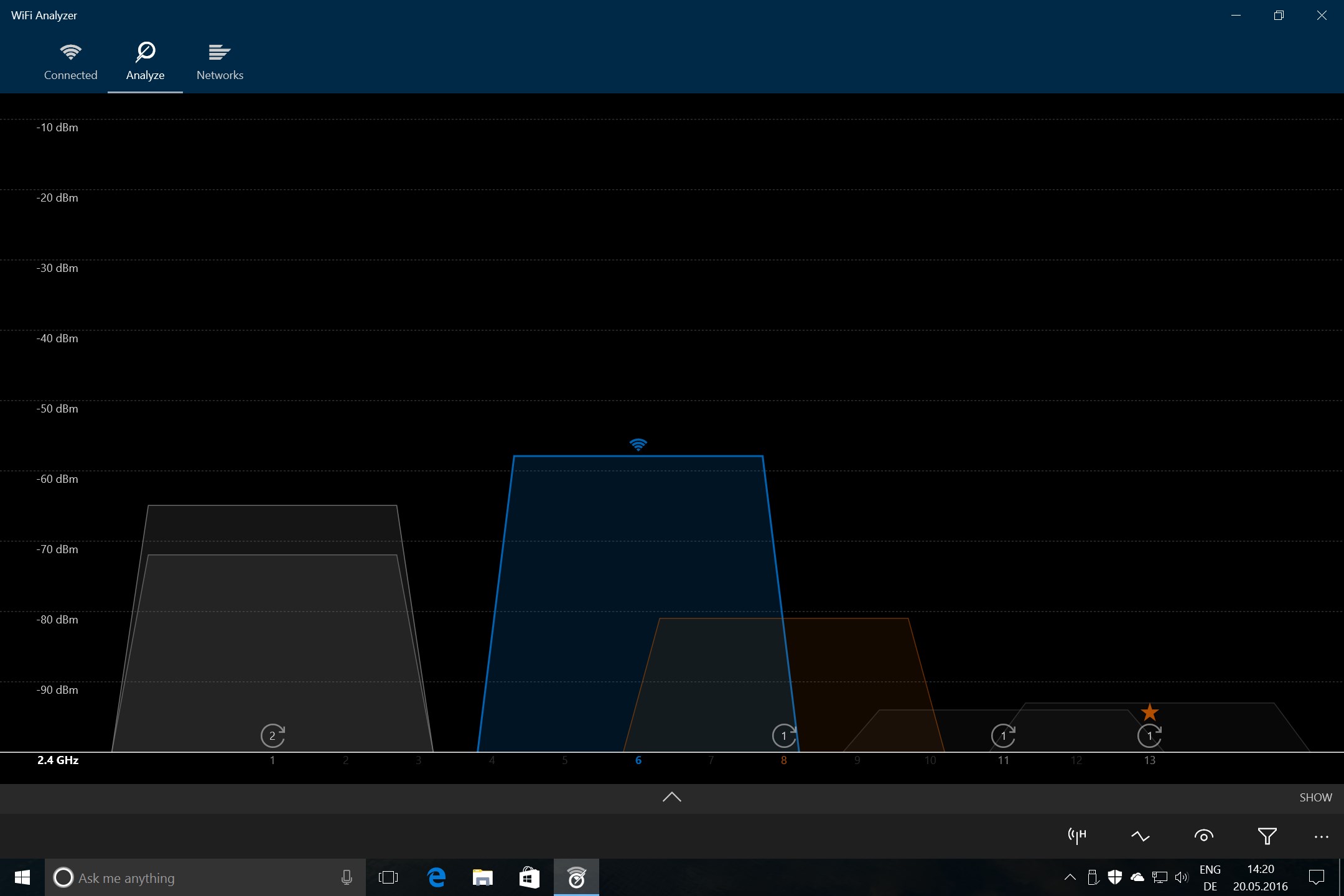
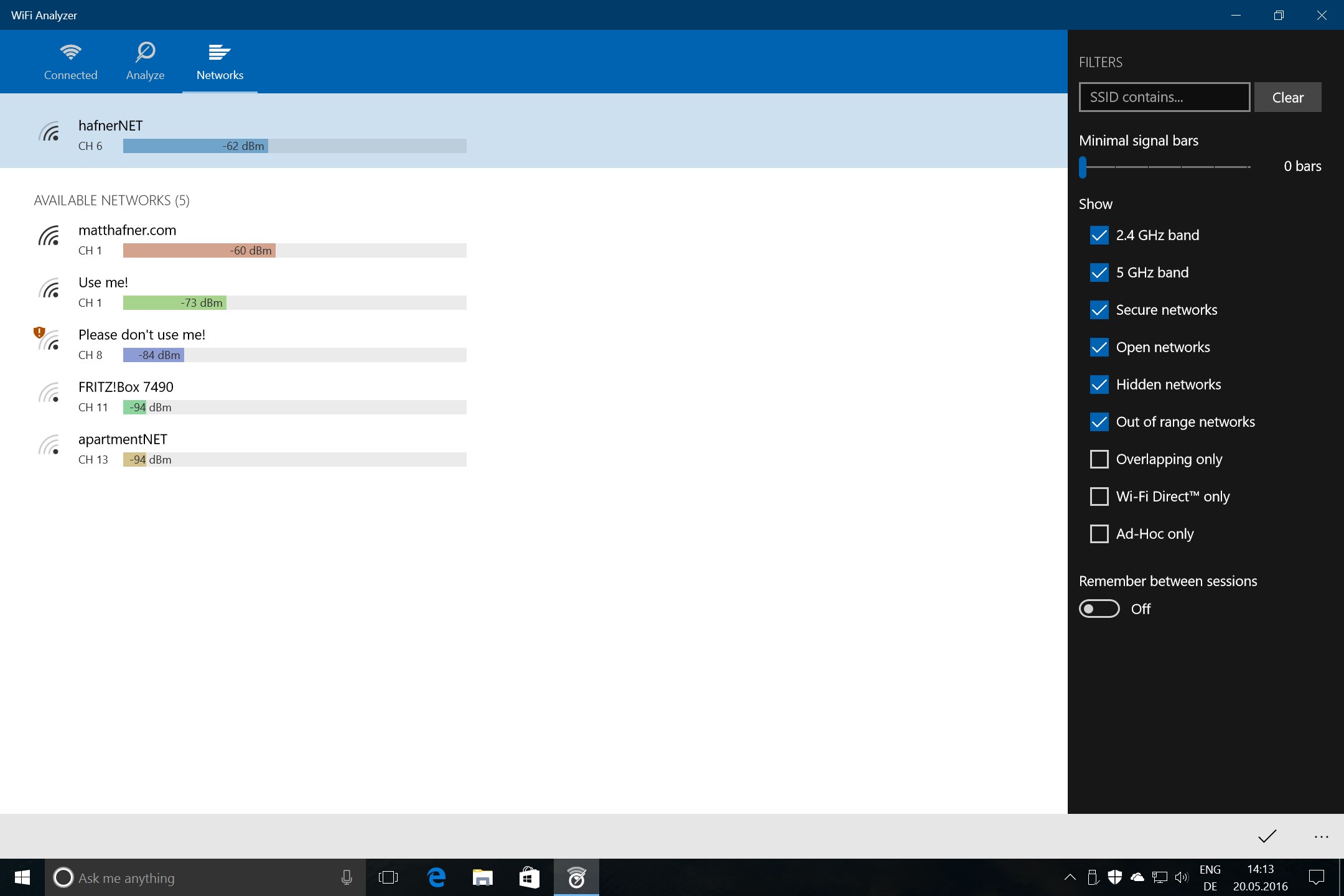
The WiFi Analyzer network diagnostics utility is a highly practical tool designed to transform your Windows PC, laptop, or tablet into an advanced network evaluation hub. Developed by Matt Hafner, this application addresses the common, frustrating issues of slow speeds, dropped signals, and poor coverage by analyzing the surrounding wireless landscape. By visualizing nearby network configurations, it empowers you to identify optimal channels and ideal router placements without needing complex IT hardware.
Who Benefits Most from This Wireless Scanner?
Whether you are a remote professional experiencing dropped video calls or a home user trying to stream high-definition content, this application is built for anyone seeking a stable connection. It is particularly valuable for:
- Home Office Workers: Pinpoint the exact spot where your router signal is strongest to set up your workstation.
- Tech Enthusiasts: Identify overlapping channel interference from neighboring routers to manually adjust your hardware settings.
- System Administrators: Quickly survey a physical space to map out signal drops and network distribution.
Core Capabilities and Professional Enhancements
The basic version of this software provides a clean, completely ad-free environment to inspect your wireless surroundings. For those requiring deeper analysis, a premium upgrade unlocks advanced features that elevate the WiFi Analyzer network diagnostics experience:
- Visual Signal Graphs: Display SSID and BSSID information directly on visual charts to quickly distinguish between overlapping networks.
- Audio Signal Beeper: Use an acoustic signal-strength indicator to find physical dead zones without constantly staring at your screen.
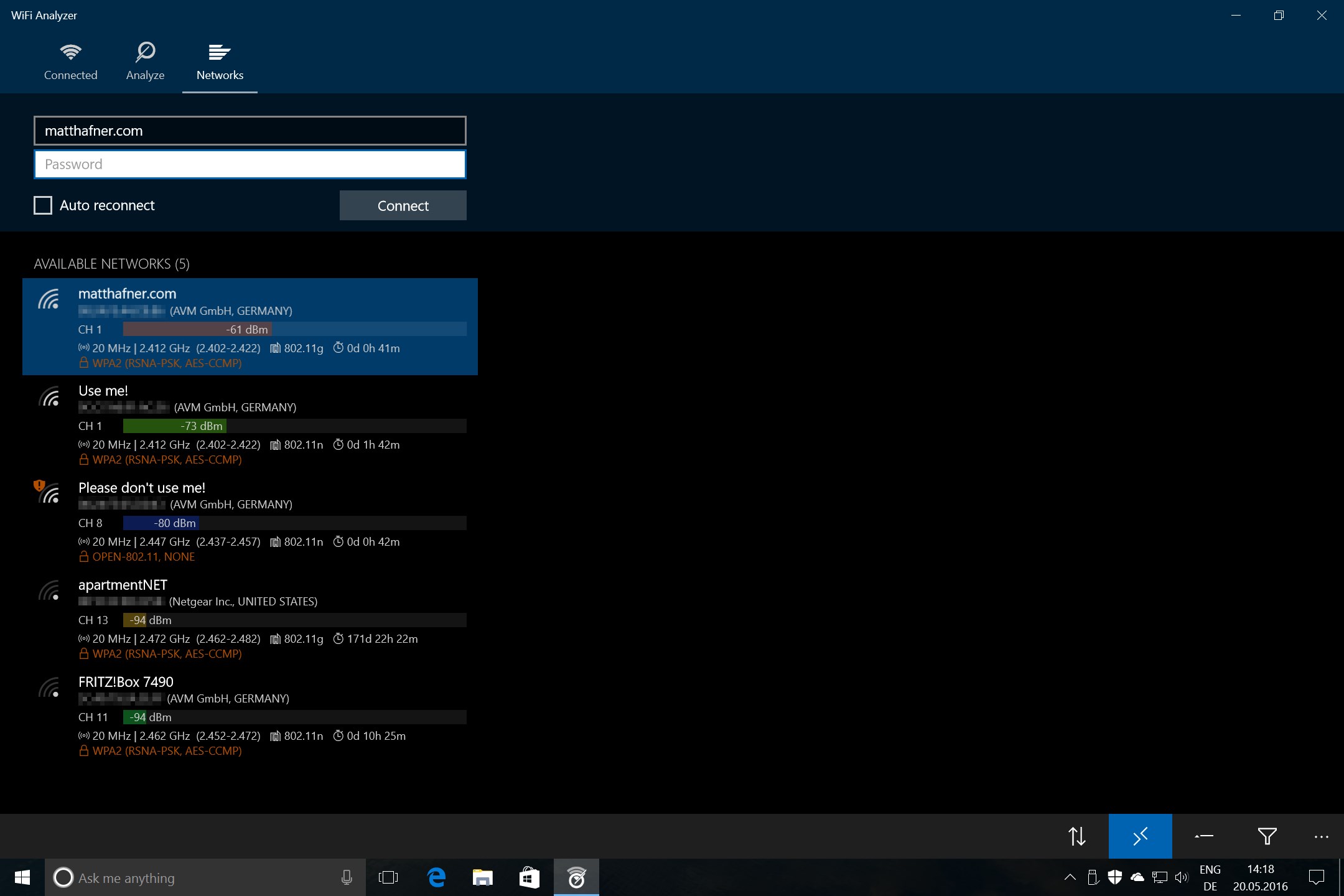
- Network Management: Connect to discovered networks directly from the interface and view granular network counts and technical details.
- Screen Control: Prevent screen timeout and lock screen rotation while conducting walking signal surveys.
Streamline Your Network Setup Today
With an intuitive interface and a clear focus on utility, this tool removes the guesswork from wireless troubleshooting. If you are ready to resolve your connectivity issues, you can find more information and review the application on the official Microsoft Store.