

WiFi Survey

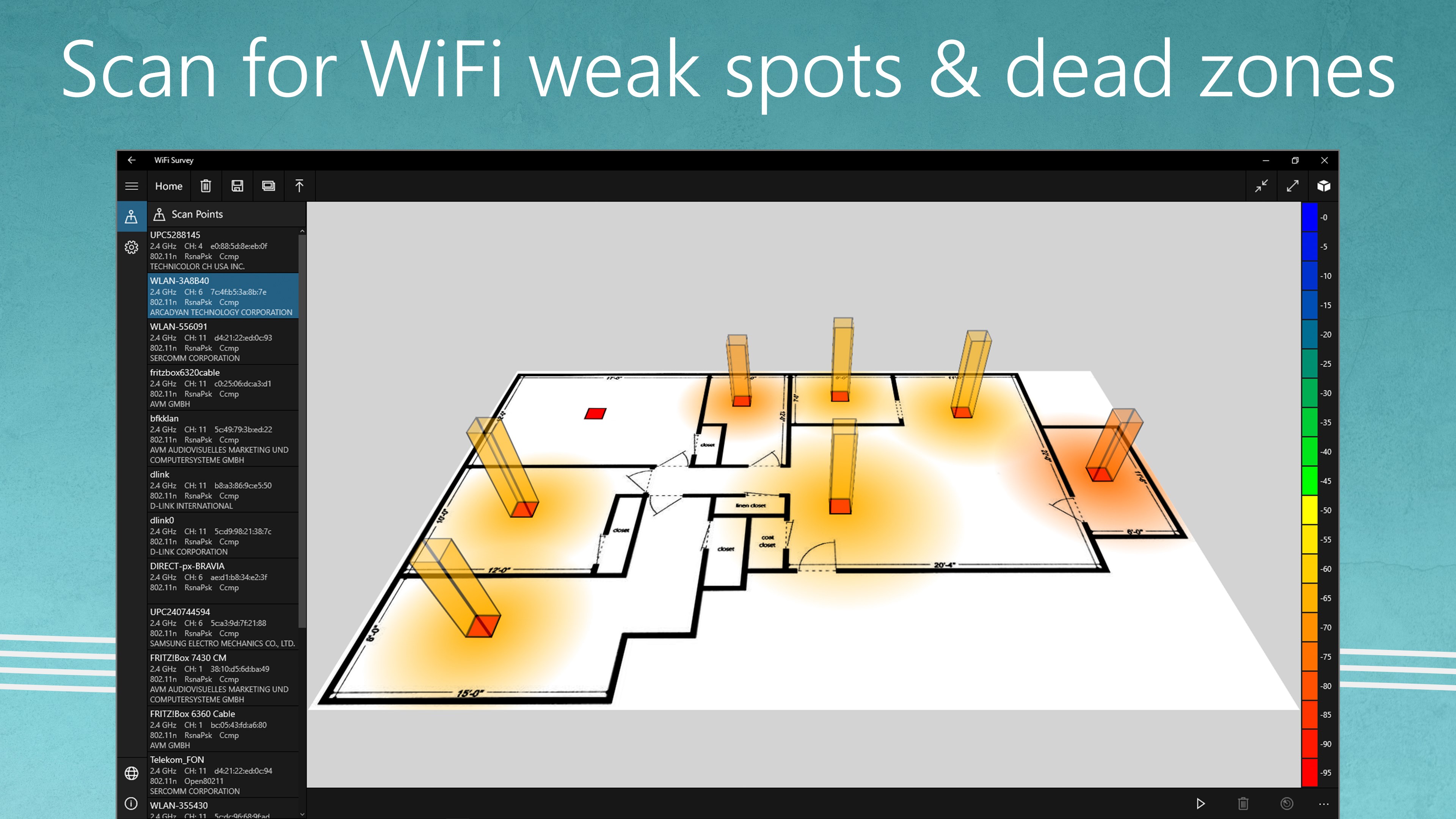
Discover how the WiFi Survey app maps your home network to eliminate dead zones and optimize signal strength in our comprehensive editorial review.
An Editorial Review of WiFi Survey for Windows
Finding the perfect wireless sweet spot in your home or office can be a challenge, but the WiFi Survey network mapper offers a visual and highly practical solution. Developed by WiFi Tools, this utility is designed specifically for Windows users who want to take control of their wireless environments. Instead of guessing where your signal drops, this application allows you to map out your coverage systematically, identifying dead zones and weak spots with precision.
Key Features and Network Mapping Capabilities
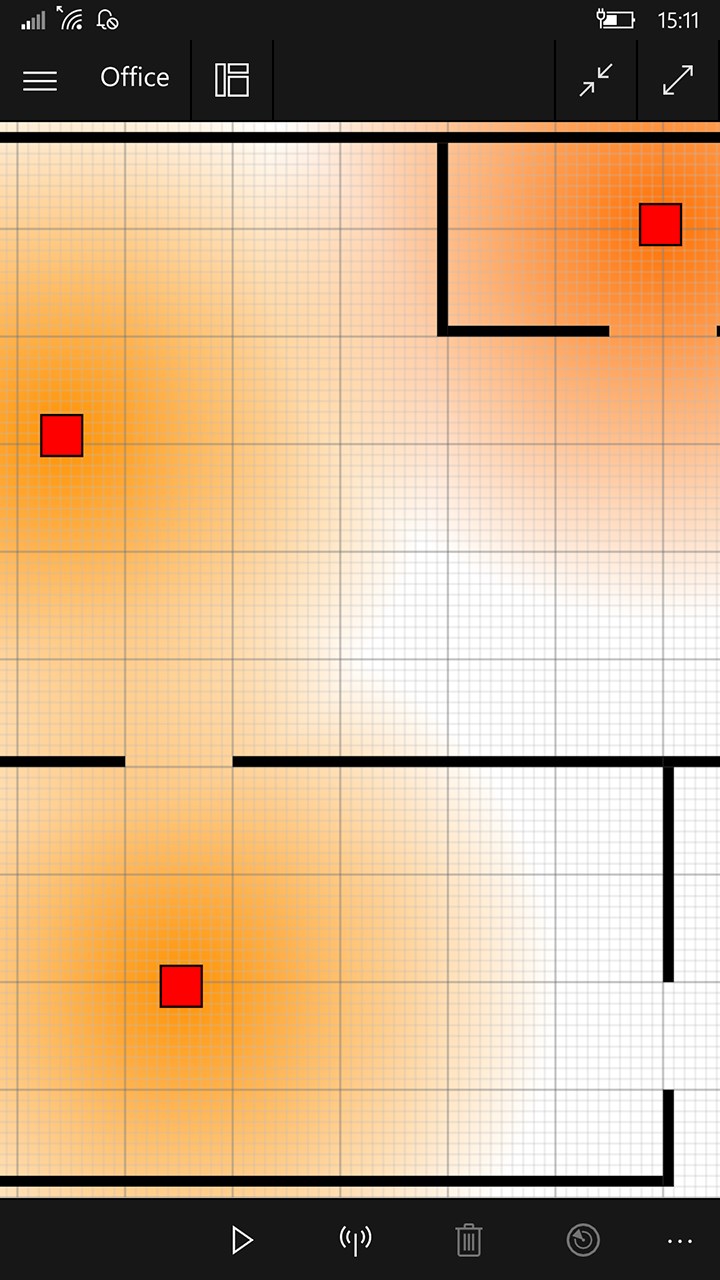
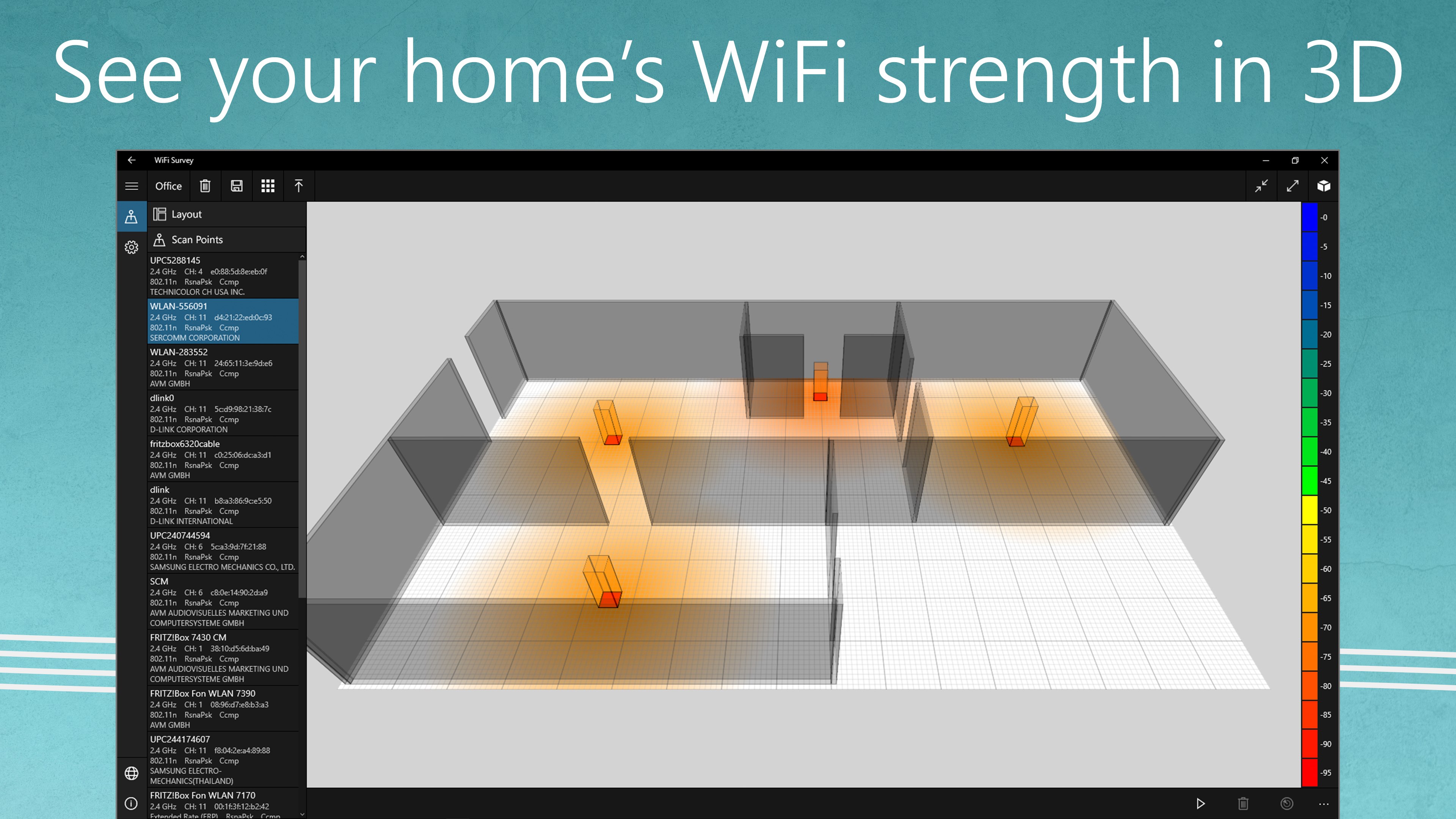
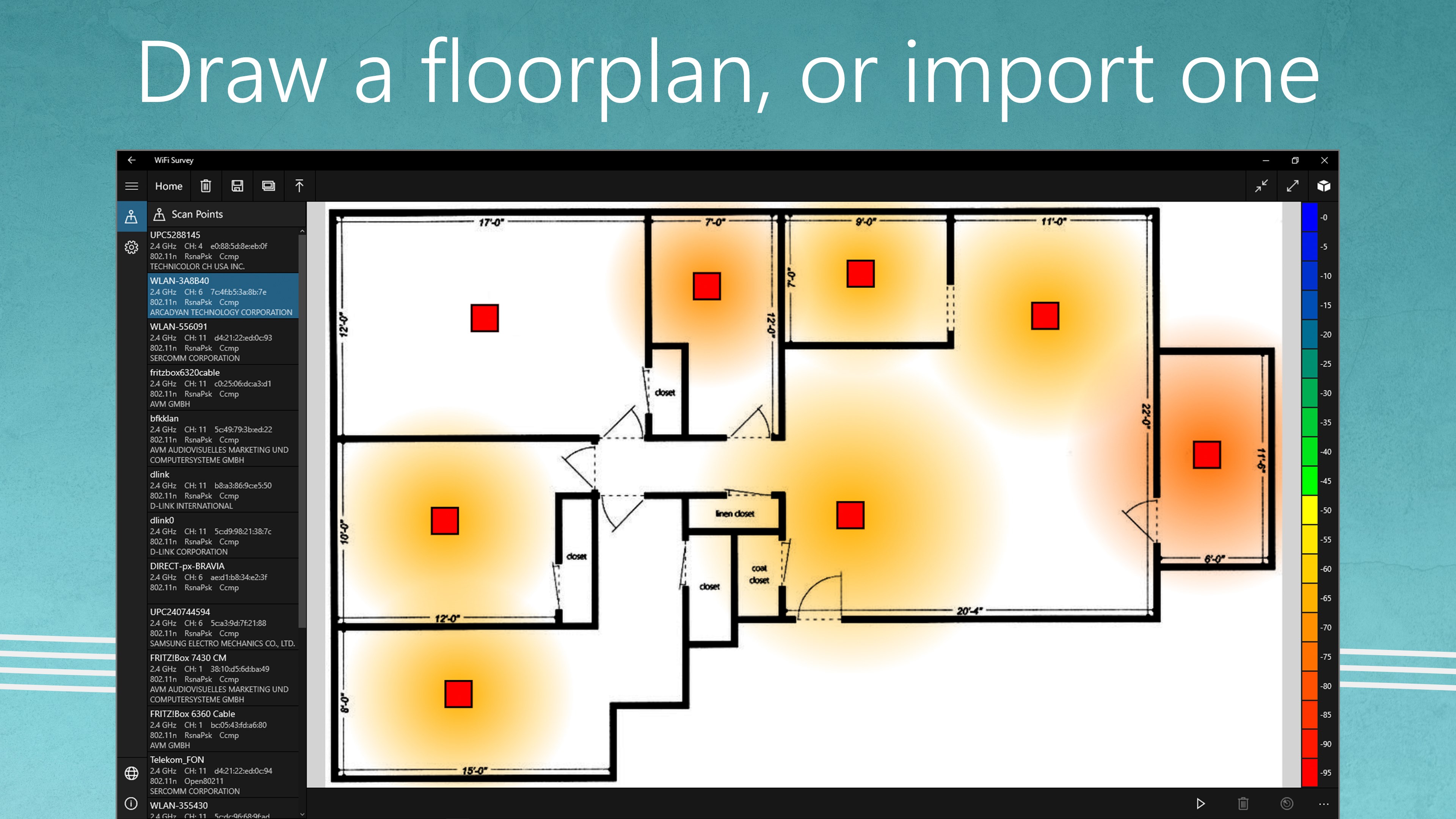
The core strength of the WiFi Survey network mapper lies in its visual floorplan integration. Rather than presenting you with confusing streams of raw data, the software translates your signal strength into a readable spatial map.
- Custom Floorplans: Users can import an existing layout or build a basic floorplan from scratch directly within the application.
- Multi-Network Visualization: View and compare the signal footprints of all available wireless networks across different rooms.
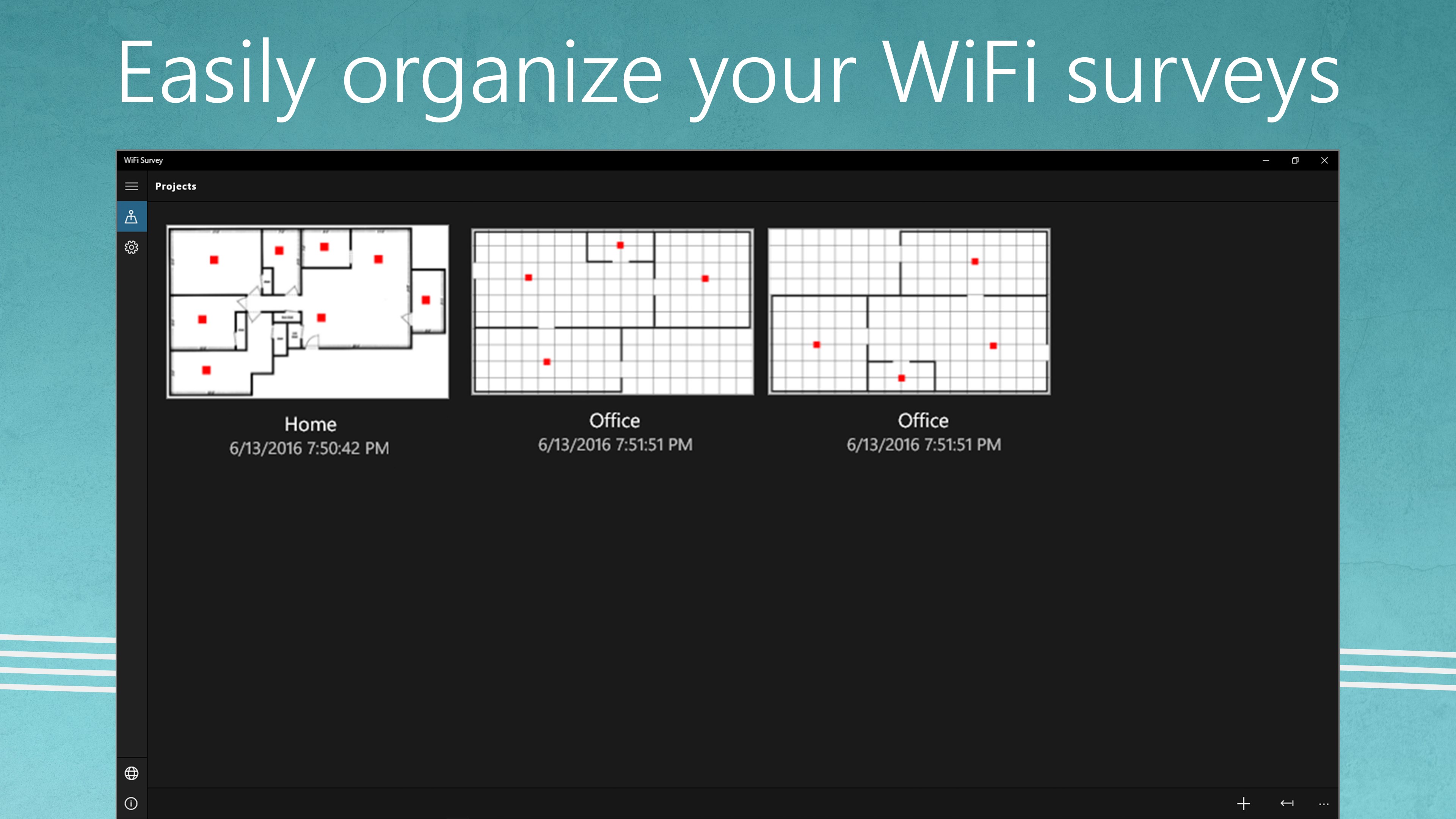
- Save and Compare: Store multiple maps and survey results over time to see if adjustments to your router placement actually improve coverage.
Who Benefits Most from This Utility?
This software is particularly beneficial for remote professionals, smart home enthusiasts, and small office administrators. If you rely on a stable connection for video conferencing or want to ensure your smart devices stay online, using the WiFi Survey network mapper helps you determine exactly where your signal struggles to penetrate walls or overcome interference. It removes the guesswork from placing range extenders or positioning your primary router.
Final Verdict
With its straightforward interface and practical mapping tools, this utility is a valuable asset for anyone troubleshooting local network performance issues on Windows. To explore the application further and optimize your setup, you can find it available on the official Microsoft Store.